Break Tape For Brainrots Controls — PC & Mobile
Master movement, tool swings, and camera habits so steals and deposits stop failing.
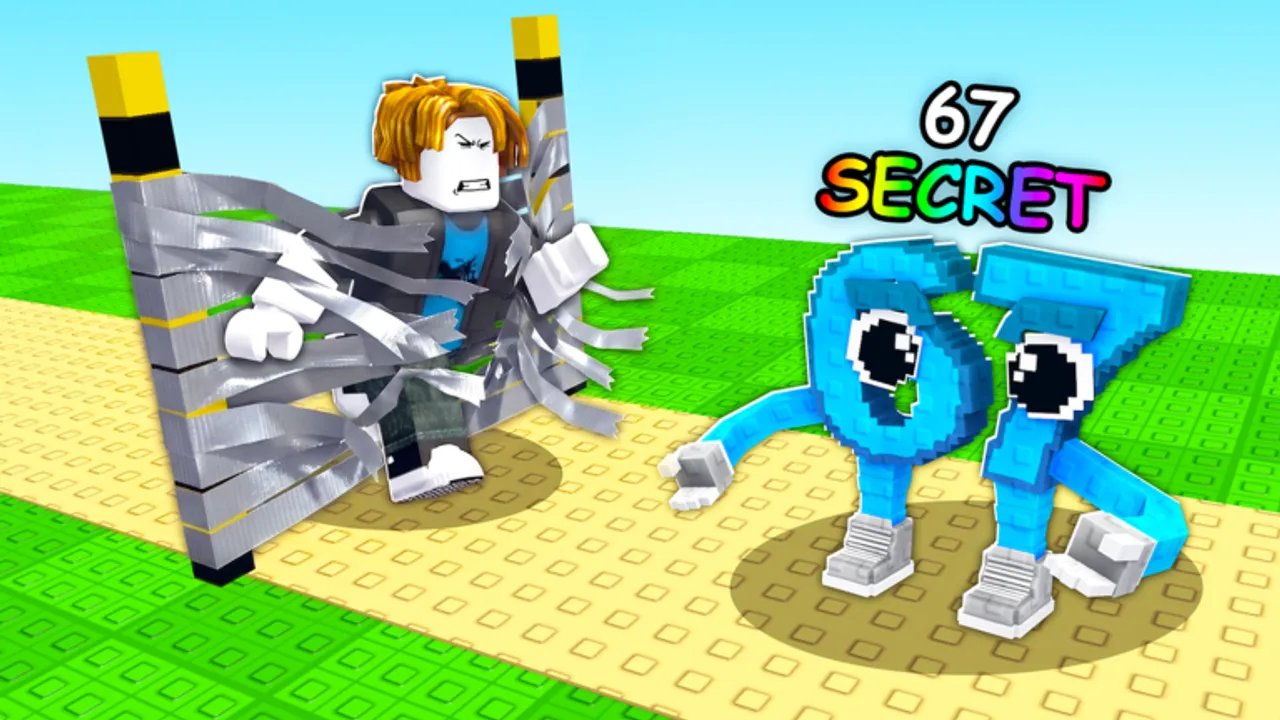
Controls in Break Tape For Brainrots look like standard Roblox movement, but the timing between swinging tape, picking up Brainrots, and sprinting home decides whether you keep your loot. This guide covers PC and mobile habits that pair with Getting Started and Steal and Protect.
PC controls checklist
- WASD — move between the tape field and your base.
- Space — jump obstacles on contested routes.
- Mouse — camera aim; keep a slight high angle so thieves are visible.
- Left click / tool activate — swing your equipped breaker on tape.
- E / proximity prompts (when shown) — interact with shop, rebirth, or claim UIs.
Exact prompt keys can shift after patches. If a button moves, open the experience after the July 2026 update and re-learn the HUD once rather than guessing forever.
Mobile controls checklist
- Left thumbstick for movement; keep it light so you do not oversteer into enemy bases.
- Jump button for vaults on busy paths.
- Tap-hold camera drag to scan unlocked pads before you commit to a steal.
- Tool button for tape swings — upgrade tools so each tap clears more wall (Best Tools).
On smaller phones, lower graphics slightly if frame drops ruin camera flicks during a carry.
The deposit rule
Carried Brainrots are contested state. Your control goal every loop is: break → pick up → sprint → place → re-orient camera. Never emote or AFK while holding value. Place units before you open the shop or rebirth UI.
Camera discipline for steals
Great stealers pre-walk the escape path with the camera before they touch the unit. Watch the short gameplay clip above for session pacing, then practice the same rhythm manually. Pair this page with How to Make Money Fast when your issue is income, not inputs.
HUD buttons you should memorize
- Tool / shop access near the lobby or field edge
- Rebirth icon (left-side style common in this genre — verify in your build)
- Codes / rewards if the experience adds a redeem panel later (Codes)
- Lock / base security controls when available
Common control mistakes
- Swinging tape while looking at chat instead of the wall
- Turning the camera away during the last meters of a steal sprint
- Opening menus with a rare Brainrot still in hand
- Playing max graphics on mobile until input lag steals your run
Practice drills (ten minutes)
- Clear starter tape for two minutes without moving the camera wildly.
- Carry a low-value unit home five times on a clean path.
- Repeat on a busier server using Steal and Protect routes.
- Buy one tool upgrade and feel the swing difference.
Related reading
Return to the Guides hub for the full how-to library, use the Session Planner to structure practice, and check Updates after patches that move HUD elements. Controls are the boring skill that makes every other Break Tape For Brainrots guide work.
Practical scenarios players ask about
New players often blame “bad luck” when the real issue is camera and deposit timing. If you keep dropping value mid-sprint, slow down and run the drills above before chasing OG units in How to Get OG. If your swings feel weak, the fix is tools, not a new keybind. If thieves appear from nowhere, raise the camera and stop tunnel-visioning the tape wall.
Busy servers punish sloppy inputs faster than quiet ones. Switch intentionally while you learn. Once controls are automatic, spend mental energy on tier list decisions and rebirth timing instead of fighting the thumbstick.
Keep this page bookmarked beside Getting Started. After any big UI patch, re-read the HUD section for five minutes before a long grind session.
Frequently Asked Questions
Quick answers players search for every session.
What are the controls for Break Tape For Brainrots?
Standard Roblox movement plus tool swings to break tape. PC uses WASD and click; mobile uses thumbstick and on-screen buttons.
Why do I lose Brainrots while running?
Carried units are contested. Sprint straight home and place them before opening menus.
Do controls change after updates?
Movement stays familiar, but HUD button positions can shift. Recheck the UI after patches.
Is mobile harder than PC?
Camera control is harder on mobile, but tool upgrades and short routes matter more than platform.
Which guide should I read next?
Getting Started for the full loop, then Steal and Protect if PvP pressure is your bottleneck.